What to Prepare Before Hiring a Web Designer: An Owner's Checklist
The projects that run smoothly are the ones where the owner turned up prepared. Here is exactly what to have ready before you commission a website.
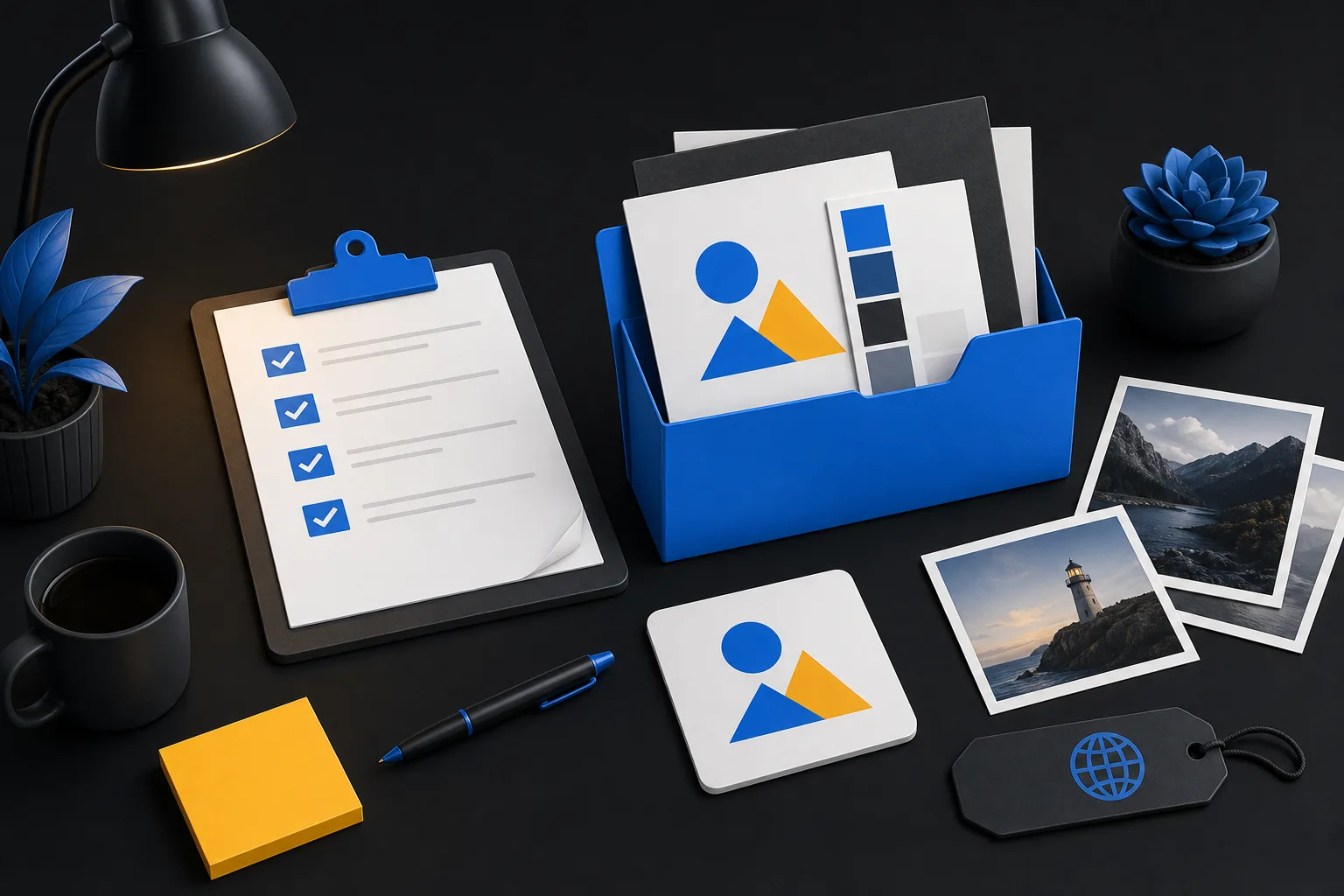
The difference between a website project that launches in a week and one that drags on for three months is rarely the designer. It is usually how prepared the owner was on day one.
None of this is difficult. It just needs doing before the meter starts running rather than halfway through. Work through this checklist and you will get a better site, faster, and probably for less money.
Watch on YouTube · Read the full checklist
1. Decide what the website is actually for
Start here, because everything else follows from it.
Write one sentence: "The website is successful if it ______." For most local businesses that ends with "generates enquiries for my most profitable services". For others it is "lets customers book online", "reduces the number of basic questions we get by phone" or "makes us look credible enough to win commercial contracts".
A site built to generate enquiries looks different from one built to inform. Being clear about which you want stops the project drifting.
2. List your services in priority order
Not alphabetically. In order of what actually makes you money and what you want more of.
This list becomes the page structure. It also tells the designer which services deserve their own page with photographs and a form, and which can be a paragraph on a broader page. If you are not sure, look at your last twenty jobs and note which ones you would happily do twenty more of.
3. Define who you are trying to reach
Homeowners or businesses? Local or national? Price-sensitive or quality-led? Emergency work or planned work?
Be specific about geography too. A list of the towns and postcode areas you genuinely cover matters more than most owners realise, because it shapes the page structure and the local SEO work.
4. Gather your content
This is the item that decides your timescale, so give it the most attention.
Text:
- A paragraph or two about each service. Plain language, as you would explain it to a customer at the door.
- Your business story for the About page. When you started, why, what you care about, any qualifications or accreditations.
- Frequently asked questions. The things you answer on the phone every week.
- Contact details, opening hours, areas covered.
Do not worry about polishing it. A rough honest paragraph is far more useful to a designer than nothing at all, and it is much easier to tidy up your words than to invent them.
Photographs:
- 20 to 30 images of your own completed work, ideally before and after.
- Your team, your vehicles, your premises.
- Anything showing quality, scale or tidiness.
Photos taken on a recent phone in good daylight are fine. Real photographs of your work beat stock images every time, and the gap is not close.
Proof:
- Existing reviews from Google, Facebook or trade platforms.
- Accreditations, memberships, certifications, insurance details.
- Any notable clients or projects you are allowed to name.
5. Track down your logins
This one causes more delays than any other administrative task, particularly when a previous developer is involved.
Find, and confirm you can actually sign into:
- Your domain registrar account, which is the single most important one.
- Your hosting account.
- Your existing website admin, if you have one.
- Your Google Business Profile.
- Your business email, if it is linked to the domain.
- Any analytics or Search Console accounts.
If a former developer holds any of these, start the recovery process now. Domain recovery in particular can take weeks and there is no way to hurry it once a project is underway.
While you are at it, check who the domain is registered to. It should be your business, not your web designer. If it is not, sort that out.
6. Look at three sites you like and three you do not
Send links, with a sentence on each explaining why. "I like how clear the services are on this one" is enormously more useful than "make it modern".
Include competitors. Not to copy them, but so the designer knows what you are being compared against locally.
7. Set a realistic budget
You do not have to announce a number, but you do need one privately, and it helps enormously to share a range.
A designer who knows you have £800 can propose something sensible. One working blind will either overshoot and waste both your time, or undershoot and leave out things you would happily have paid for. Our prices are published on our pricing page precisely so this conversation is easy: packages from £499 + VAT for four pages up to £1,799 + VAT for fifteen page builds, with bespoke work quoted on enquiry.
Budget for the ongoing costs too. Hosting, care and any marketing. A site is not a one-off purchase.
8. Agree who decides
If there are two owners, or a spouse with strong opinions, or a manager who will need to sign off, decide now who has final say.
Design by committee is the most reliable way to double a project timeline. Feedback from several people is welcome, but it should be consolidated into one response by one person.
9. Know what you are asking for, roughly
You do not need technical knowledge. You do need to know whether you want:
- Online booking or appointments.
- Payments or an online shop.
- A blog or news section.
- Customer logins.
- Multiple locations.
- Email newsletter sign-ups.
- Anything connecting to software you already use.
Each of these affects the price and the timeline substantially, and it is much cheaper to include them in the plan than to add them halfway through. Our web design packages set out clearly which tier includes which features.
10. Prepare the questions you should be asking
Before you sign anything, get written answers to these:
- What exactly is included, and how many pages?
- How many rounds of revisions do I get?
- Who owns the finished website, the domain and the content?
- What are the payment terms?
- What happens after launch? Is maintenance included or extra?
- Can I edit the content myself?
- What is the realistic timeline, and what would delay it?
- Can I see three sites you built more than a year ago that are still live?
That last question is the most revealing one. Anyone can show a portfolio of launch-day screenshots. Sites that are still fast, still maintained and still owned by happy clients a year later say considerably more.
For reference, our answers are: fixed scope by package, two revision rounds as standard and three on Pro Growth, you own everything after final payment, 50% deposit with the balance before launch, care plans available from £25 + VAT a month, and typical launch within a week subject to scope and content. More of the common questions are answered on our FAQ page.
The quick version
If you only do four things before your first meeting:
- Write down what the website must achieve.
- List your services in order of value.
- Collect 20 photographs of your own work.
- Confirm you can log into your domain account.
That puts you ahead of most projects on day one.
Book a free discovery call and bring whatever you have. We will tell you what is still missing and what it will take to get you live.